
As we have talked about every key to staying organized in previous posts, procrastination can still find a way to sneak up. Therefore, it is helpful to have tools that will diminish procrastination. Some individuals would rather keep everything organized using paper and writing things down. Others have moved digital. Whichever way you choose to keep organized does not matter. However, everyone needs tools to help keep everything off your mind as soon as it occurs. I am not going to get into the whole paper vs digital debate. However, I personally like to use both. Therefore, here is a summary of different tools for each.
Paper Organization
- Calendar
- Filing Cabinet/desk
- Hanging Folders
- In-tray
- Lists & Buckets
- Sticky-notes
- Photo albums or single photo frames
- Agenda/planner
Digital Organization
- Calendar App
- Reminders App
- Scanning Documents into Google Docs/Google Files/ Google Drive
- Bank App
- Notes App
Todoist – A New Way to Digitize
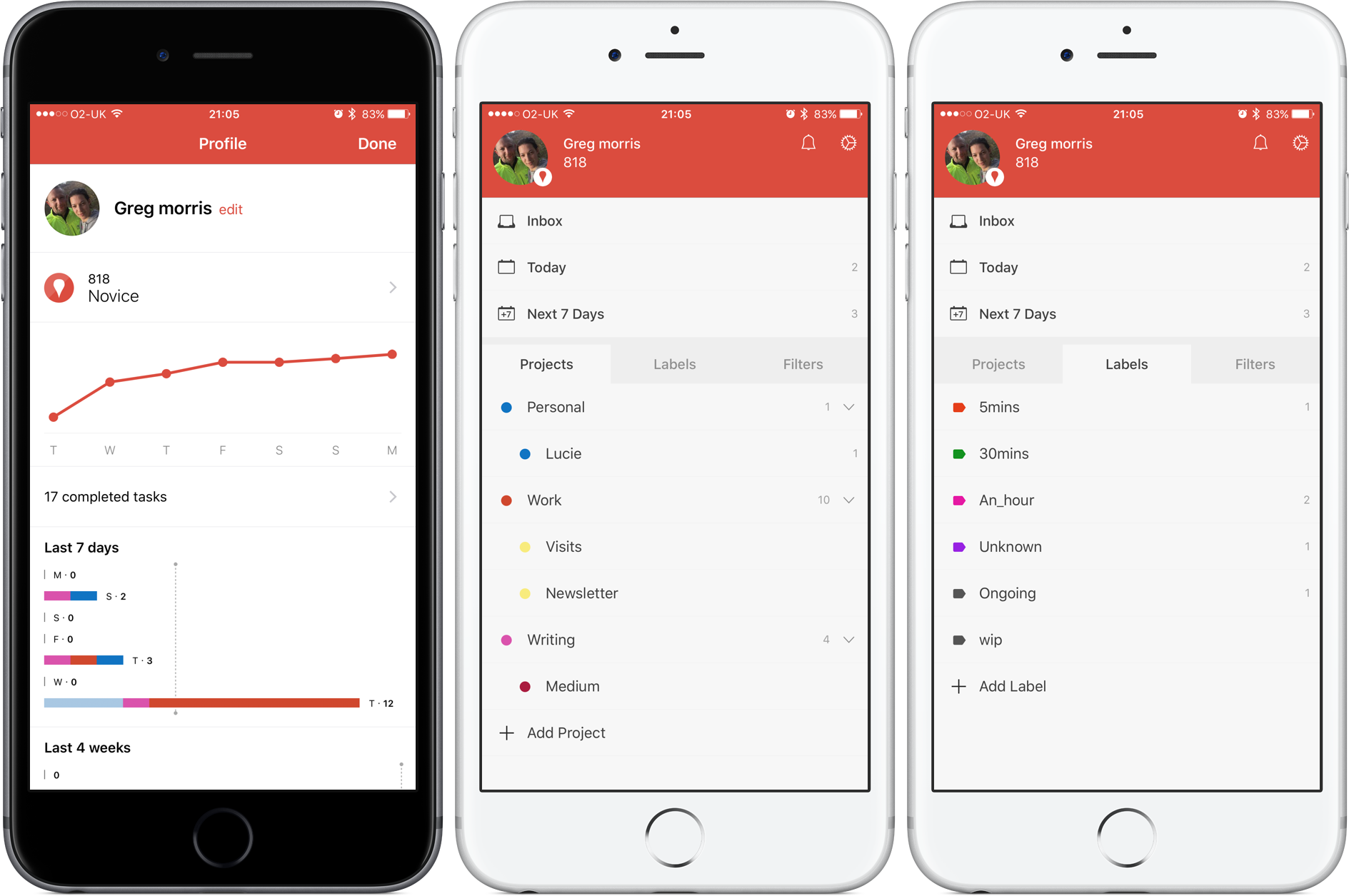
A new app I have started recently was an organization app called Todoist. It is an app that allows you to transform your filing system to digital. I have been using this app for about a month or two. Check out this link for a better understanding of how it works. <https://chrome.todoist.com/tour> Todoist includes a free version and a premium version as well.
Free Version
- Add tasks to your inbox
- Add single deadlines and/or recurring deadlines.
- Create projects and include step by step tasks with sub-sections
- Label projects and tasks by priority
- Connect todoist to your google chrome task bar and to your google calendar/dropbox
I personally use the premium account for only $3 a month!
Premium Version
- Everything included in free version
- The addition of reminders! – set a reminder for a specific date or a specific location. Deadlines will never be missed or forgotten as long as you take less than a minute to set reminders for yourself
- Backup your data and never lose your progress
- Add tasks to your projects via email or a template you have already used
- Group your tasks together with custom labels and filters like email, at home, or at a specific location
- Pick your own theme
I personally love todoist. This app is very simple, very easy to understand and customize. This app helps to keep myself organize and add projects that i can look at later on without worry. I love the filters. There is also a quick add right on my desktop. Also you can double click within a website and there is an option to add to todoist. The only problem I have with this app is there is an option to reschedule your tasks. So when something is overdue, I almost always just reschedule. But, that is a me problem and not with the app. I would definitely recommend this app to anyone who needs a little more organization.
 Seas the Moment